

Define what the server will do
A server for twenty employees is an incomplete specification. Twenty file-share users and twenty active database users create different workloads. List applications, versions, active sessions, data volume and daily growth. For an existing system, measure ordinary and peak demand.
Include each application owner before purchasing. They should confirm supported operating systems, database requirements and licence-transfer conditions. Adding memory cannot resolve an application that is incompatible with the new platform.
Set downtime limits before choosing redundancy
Answer two separate questions: how long can the system be unavailable, and how much recent data can be lost? These answers shape recovery, backups and spare components. If a working day's outage is unacceptable, one server with a good warranty remains a single point of failure.
Redundant power supplies help only with appropriate connections. Two leads plugged into the same failed extension do not provide independent power paths. RAID can tolerate certain drive failures; it does not protect against mistaken deletion, application corruption or a compromised account.
Check the installation space
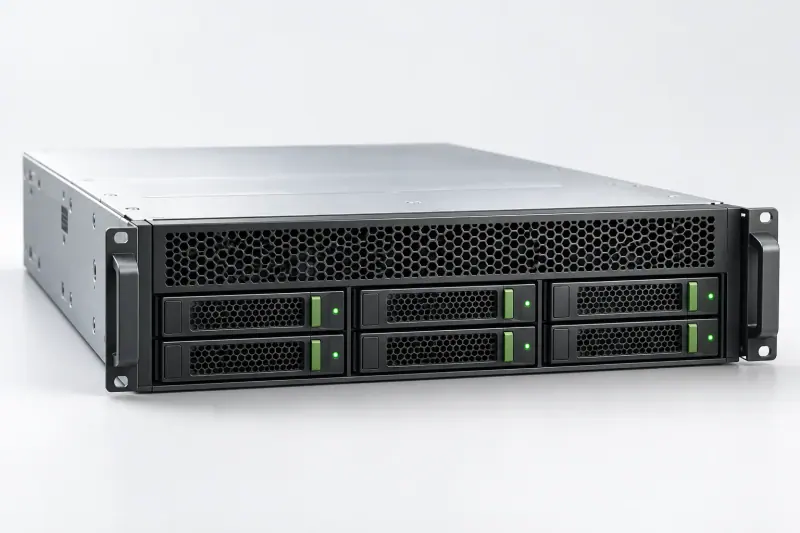
A rack server needs a suitable cabinet, depth, rails and service access. In an ordinary office, noise and cooling also matter. Do not assume the space under a desk is suitable: check the chosen model's requirements and room ventilation.
A specification includes more than processors and disks. Account for networking, compatible modules, management, power, licences and backups. Establish which items are included in the proposal and which must be purchased separately.
Accept the system through a recovery scenario
Before deployment, agree the migration sequence and a return path to the previous system. Save settings and verify backups. Test recovery in an isolated environment so that live data is not overwritten.
Acceptance means more than powering on the server. A user should open the application, complete a typical task and reach required files. Give the administrator diagrams, licence records, update procedures and support contacts. Assign someone to receive and review alerts after launch.
What to check
- Applications and active users are known
- Downtime and data-loss limits are defined
- Rack, network, power and licences are included
- Recovery is tested and an owner is assigned
Sources
Check specifications and terms for the exact model and product version.