

PC repair
Describe the computer configuration and fault symptoms. Say when the issue started and whether data must be preserved.
REPAIRS AND SERVICING
Computer, laptop and printer repairs. Diagnostics, servicing and IT support for individuals and organisations.
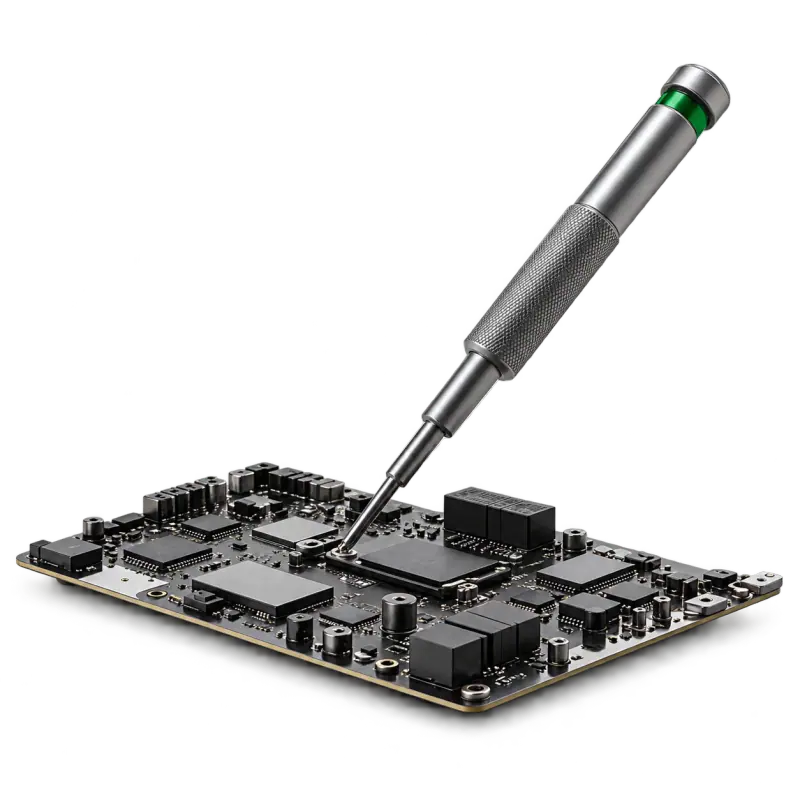
Choose a path: restore a device or help employees use a solution.
Diagnosis and repair →AT HOME AND AT WORK
We assess faults in computers, laptops and printers.
We discuss your equipment fleet, support needs and service format.
We check the device model and compatibility of required parts.
Before handing over the device, tell us which data must be preserved. We agree the scope and service terms for your request.
Describe the task and we will agree a suitable solution.
Describe the computer configuration and fault symptoms. Say when the issue started and whether data must be preserved.
Provide the exact laptop model and fault description. Mention any drops, liquid damage or previous repairs.
Provide the display model and describe the picture or power issue. A screen photo and connection details are useful.
Provide the model, error code and printing or scanning symptoms. Attach a print sample and identify the consumables used.
Provide the server model, error messages and drive status. Explain the operational impact and whether backups exist.
Provide the printer model and cartridge code. Describe current print quality, previous refills and cartridge condition.
Provide the cartridge code and a print-defect sample. Mention previous refills and known component damage.
Provide the device model and component to replace. Specify compatibility, the purpose of replacement and any data migration needs.
Describe the device, symptoms and how the problem began. Say whether it recurs and what you have already tried.
Provide the equipment model, operating conditions and last service date. Describe temperature, noise or performance issues.
Provide the address, device list and task. Agree on site access, a contact person and a suitable time.
Specify the order, address and recipient contact. Delivery availability, terms and timing are agreed for each request.
Describe your device fleet, staff count and main systems. Specify support tasks, business hours and response requirements.
Tell us the model, symptoms and circumstances of the fault.
We identify the cause and the possible scope of repairs.
We discuss cost, parts and timing before carrying out repairs.
We check the result and return the equipment.
When the issue started, how often it occurs and what preceded it. A photo of an error message helps explain the situation.
Before any work, identify irreplaceable files. If the device works, save an accessible backup.
Check whether the power supply, cables or accessories are needed. Record condition and contents at handover.