

Intake
Record the model, accessories, condition and symptoms. Identify important data and access restrictions immediately.
NEKON service
A computer will not start, a laptop overheats or a printer produces defects? Start with the symptoms and agree on repairs after diagnosis.
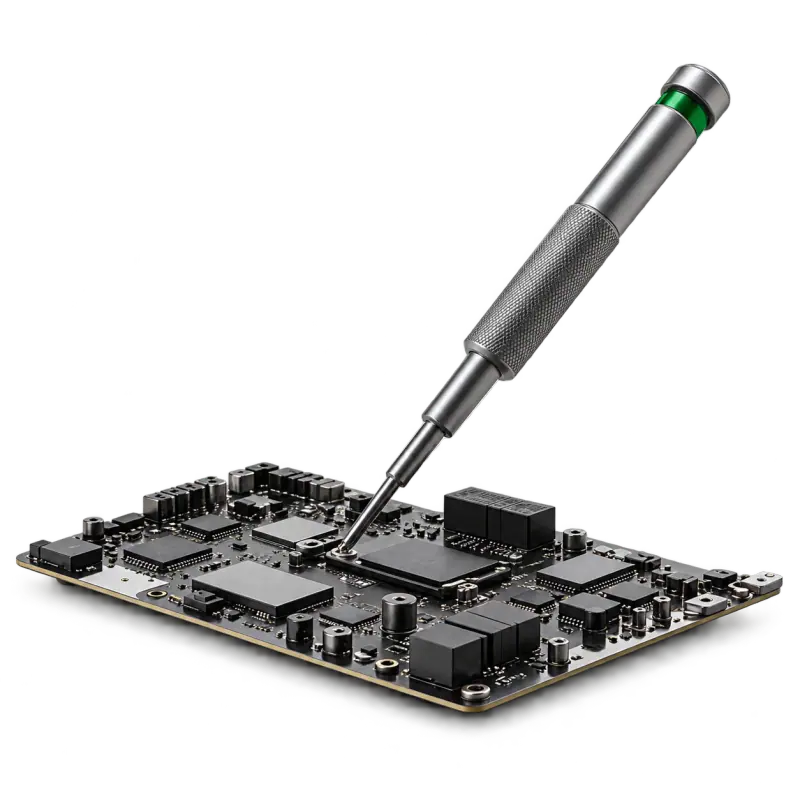
Diagnosis → decision
The same symptom can have different causes. Cost, parts and timing are therefore determined after inspection and before agreed work starts.
Record the model, accessories, condition and symptoms. Identify important data and access restrictions immediately.
Discuss the cause and options: repair, replacement or another solution. Warranty terms are agreed for the specific work.
Test the agreed functions, show the result and provide recommendations. Agree how to recheck intermittent faults.
An organisation needs to restore the workstation, not just the device. Prepare an equipment list, critical applications and a contact person. Support scope, schedule and request handling are agreed separately.
Explore the support scenario →Symptoms can suggest possible causes, but the actual work depends on the device's condition. Repair cost is agreed after the fault is identified.
Mention this when contacting us. Do not proceed with a reinstall or wipe until data preservation has been discussed. If the device still works, create a backup first.