

Make the new premises ready first
Working internet at the old office does not mean connectivity will be ready at the new address on moving day. Confirm availability, connection timing and the entry point with the provider. Then verify sockets, cable routes and network-equipment locations against the actual layout.
Mark workstations, printers, meeting rooms and wired devices on a plan. Agree installer access and noisy-work windows. Server power and cooling conditions should be checked before delivery, not after switching it on.
Map service dependencies
List services needed on the first morning: accounting, shared files, telephony, printing and internet. For each, record equipment, connections and a test owner. This shows why workstations depend on networking and shared services starting first.
Agree the permitted outage and how employees are informed. Define a temporary operating arrangement and decision-maker if startup is delayed. Test that fallback: assuming everyone can work through phone tethering may be unrealistic.
Label equipment and verify backups
Number workstations and apply matching labels to desktops, monitors and cable bags. Label both ends of network links and save port diagrams and settings. A rack photograph helps but is a poor substitute for readable labels.
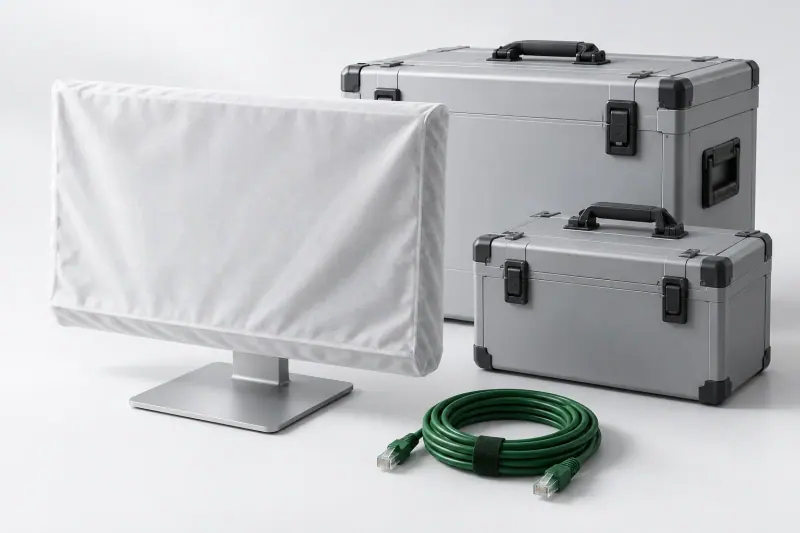
Before stopping critical systems, verify backup freshness and restoration. Shut down servers in the sequence agreed with application owners. Package equipment according to its construction, protecting screens and protruding parts; do not transport running equipment.
Start in stages and record results
Check power and networking first, shared services next, and workstations last. Verify each employee's applications, printing and shared folders as well as internet access. Test telephony with incoming and outgoing calls.
Record unresolved issues with owners and deadlines. Update diagrams and inventory for the new layout. Give your integrator both addresses, dates, workstation numbers, shared-system details and premises readiness to support a realistic move plan.
What to check
- Connectivity and premises are ready
- Shutdown and startup sequences are agreed
- Equipment kits and cables are labelled
- Users have tested applications, files and printing
Sources
Check specifications and terms for the exact model and product version.