

Start with the working day, not the catalogue
One employee mainly answers email; another uses an accounting system, large spreadsheets and video calls together. A job title does not describe that workload. List applications, typical file sizes, simultaneous tasks and connected devices. Record what is slow on the current computer.
Check where the processing takes place. If an application runs on a remote server, a faster workstation processor may not fix delays. Compare wired and wireless connections, then investigate the server with the application owner. This avoids spending money on a component that works correctly.
Compare two configurations using your own workload
For general office use, 16 GB of memory and an SSD can be a starting point for discussion, not a universal requirement. Large datasets, virtual machines and design software need separate assessment. Operating-system minimum requirements establish installation eligibility, not comfortable operation of every application.
Ask to run the same task on the basic and expanded configurations: open an anonymised spreadsheet, perform a calculation and join a video call. Record time and limitations. If your workload shows little difference, a better display, backup system or service arrangement may be more valuable.
Laptop or desktop?
A laptop is convenient for meetings and travel. At a permanent desk, test the external display, charging and dock together. A USB-C socket alone does not establish video output or charging capacity; consult the specifications of the exact model.
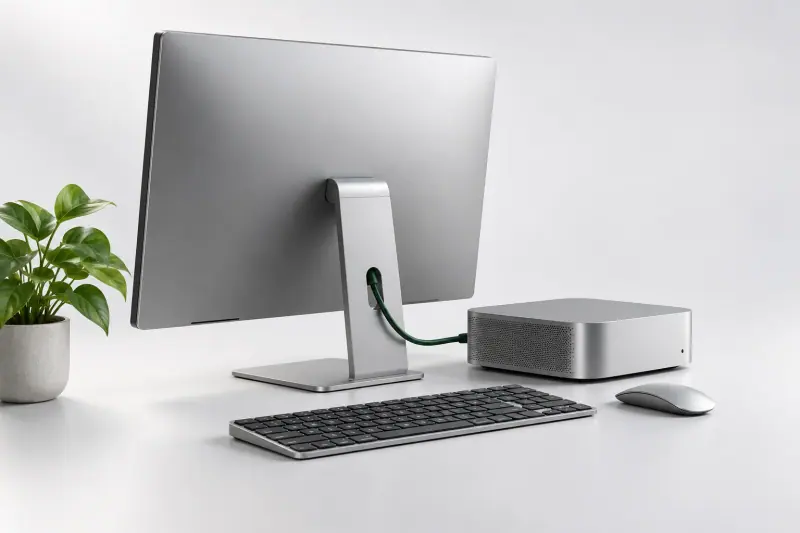
A desktop may suit sustained workloads and expansion, but compact cases can restrict upgrades. Check memory slots, drive space, noise and servicing. Compare complete workstations, including the display, keyboard, software licence and adapters.
What to include in a supplier enquiry
Give the supplier application versions, workstation quantities, required connections and delivery timing. Request exact models, configurations, OS editions, included accessories and warranty terms. An unspecified promise of an equivalent replacement is difficult to verify.
At acceptance, check serial numbers, accessories, display, ports and working applications. For a business in Dushanbe, agree where equipment goes for diagnosis and whether a replacement is available when downtime matters. Obtain these conditions in writing: warranty duration alone does not establish them.
What to check
- Applications and workloads are documented
- Displays and docks are compatible
- Memory and storage suit the workload
- Accessories, licences and warranty terms are documented
Sources
Check specifications and terms for the exact model and product version.